
Set up AI analytics by naming one accountable owner, running a fast inventory of every AI tool in use, and tagging requests by workflow so spend maps to outcomes. That combination gets you baseline visibility within a few weeks, not quarters. Everything else, from dashboards to gamified adoption, builds on that foundation.
TL;DR:
- Only focus on three to five outcome-based metrics such as cost-per-ticket, conversion lift, and time-to-value to demonstrate actual AI ROI.
- Tag requests at the point of use, monitor spend across all providers with real-time alerts, and build privacy-first data collection methods to ensure accurate tracking.
- Assign a dedicated owner for AI spend management and use pilot workflows to validate measurement strategies before full deployment.
- Implement a simple, decision-oriented dashboard centered on spend, top workflows, and cost per outcome to facilitate clear executive oversight.
- Combine analytics with enablement activities like playbooks and gamification to drive adoption while maintaining cost discipline.
Table of Contents
- How Do You Set Up AI Analytics in the First 30 Days?
- Which Metrics Matter, and Who Should Own Them?
- How Do You Capture Usage Data Without Violating Privacy?
- What Belongs on an Executive AI Analytics Dashboard?
- How Do You Drive Adoption Without Losing Cost Control?
- How Do You Prove ROI and Keep Governance from Slipping?
- Training Teams to Actually Read the Numbers
- Where Do AI Analytics Rollouts Usually Go Wrong?
- TekkrTools Perspective: How We Set Up AI Analytics in Practice
- Get to a Working AI Analytics Setup in Days, Not Quarters
- Sources
How Do You Set Up AI Analytics in the First 30 Days?
Getting from zero to a working system is less about tooling and more about sequencing. Most enterprises stall because they buy a dashboard before they know who owns the problem or what they’re measuring.
Here’s the order that actually works:
- Assemble a small cross-functional team (finance, IT, one product lead) and name a single accountable owner, whether that’s an AI ROI lead or a FinOps function. A survey of 700 FinOps and engineering leaders found most organizations have no clear owner for AI spend, and they estimate 26% of that spend is wasted as a result.
- Run a rapid inventory combining procurement records, network traffic, and endpoint scans, not just a self-reported survey, since shadow AI hides in personal accounts and browser extensions.
- Tag every request at the point of use: owner, workflow, product-facing or internal, and intended outcome.
- Stand up a minimal dashboard with basic alert thresholds for spend spikes.
- Run one pilot A/B test on a single workflow so you have a real before-and-after number to show leadership.
Pro Tip: *Don’t wait for a perfect inventory. Launch tagging on your three highest-spend tools first, then backfill the long tail.
Which Metrics Matter, and Who Should Own Them?
Most AI dashboards drown leaders in activity numbers: prompts sent, tokens consumed, seats activated. None of that tells a CFO whether the investment paid off. Gartner’s guidance on AI value metrics recommends picking 2 to 3 outcome metrics tied directly to cost reduction, revenue growth, or employee experience, then proving those before expanding the scorecard.
In practice, that looks like:
- Cost-per-ticket for support workflows using AI-assisted resolution.
- Conversion lift for sales or marketing workflows using AI-generated content or lead scoring.
- Time-to-value for engineering workflows using AI code assistants like Codex.
- eNPS movement in teams with heavy AI tool adoption, tracked quarterly.
Ownership has to be explicit. A named AI ROI or FinOps owner should hold decision rights over budget reallocation, not just reporting duties. That person sets the timeline expectations too.
Quick wins land in 8 to 12 weeks. Larger, board-level ROI stories, the kind that justify expanding an AI budget, typically take 3 to 12 months to materialize with clean baseline data, according to enterprise ROI research on CFO measurement frameworks.
Read more on measuring AI ROI for deeper framework comparisons.
How Do You Capture Usage Data Without Violating Privacy?
The technical piece comes down to one principle: tag at the point of request, not after the invoice arrives. Trying to reconstruct workflow-level spend from a monthly bill is nearly impossible; by the time finance sees the number, the context is gone. CIO reporting on enterprise AI budgets confirms most organizations can see the total bill but can’t trace it to a specific team, product, or task.
Build your data layer from four sources:
- API and UI-level tagging capturing owner, workflow ID, and whether the use is product-facing or internal.
- Billing exports from each provider (OpenAI, Anthropic, Google) reconciled monthly against tags.
- Network and endpoint telemetry to catch tools nobody purchased through procurement.
- Prompt-level anonymization so sensitive content never sits in a dashboard unmasked.
Privacy has to be built in from day one, not bolted on later. Anonymize prompts with automatic PII stripping, avoid collection methods that depend on browser extensions sitting in every employee’s browser, and keep telemetry encrypted end to end.
Pro Tip: Push cost signals into the tools your engineers already use for model selection. If a developer sees the token cost difference between GPT-4 class models and a lighter model right when they’re choosing, they route smarter without anyone mandating it. Explore more in Tekkr’s usage tracking guide.
What Belongs on an Executive AI Analytics Dashboard?
A dashboard that tries to show everything shows nothing useful. Build it around the decisions your executives actually need to make: who gets charged, which workflows scale, which get shut down.
The minimum viable set of widgets:
- Unified spend view across every provider and model, not siloed by vendor invoice.
- Top-consuming workflows, ranked, so you know where to focus optimization sprints.
- Cost-per-outcome for each tagged workflow (cost-per-ticket, cost-per-conversion).
- Owner coverage, flagging any workflow or team with no assigned accountable owner.
- Model and provider split, showing where cheaper routing could cut spend without hurting output.
Pair real-time spend alerts with daily rollups for the operational team and a monthly executive snapshot that ties AI spend to actual P&L impact. A quarterly RoAI summary, the return-on-AI figure BCG frameworks reference, keeps the board conversation grounded in numbers instead of sentiment.
How Do You Drive Adoption Without Losing Cost Control?
Analytics alone doesn’t move usage. You need enablement running in parallel, and the two should feed each other constantly.
- Pair every dashboard rollout with a playbook. Give teams a short, concrete guide on high-value use cases for their function, not a generic “how to prompt” deck.
- Gamify the rollout. Leaderboards showing which teams get the most cost-efficient outcomes from AI tools tend to outperform mandates, because people respond to visible peer comparison.
- Run pilots with matched controls. Compare a team using an AI workflow against a similar team that isn’t, so you can show causality instead of correlation.
- Teach token discipline. Concise prompting and reuse of prior outputs cut spend meaningfully, and knowing when to route a task to deterministic software instead of a model call saves real money without hurting output quality.
- Set owner-level budgets with staged approval. A team that wants to exceed its monthly AI budget should hit a sign-off gate, not an auto-approved overage.
Pro Tip: Third-party benchmarking helps too. Agencies reporting 3.2x ROI from structured AI adoption got there by pairing measurement with disciplined enablement, not by buying more licenses.
How Do You Prove ROI and Keep Governance from Slipping?
Verification is where most AI analytics programs quietly fail. Teams collect data for months without ever running the comparison that proves value. Fix that by measuring a baseline 30 to 60 days before any major deployment, then comparing post-deployment numbers against it using the same metrics you locked in during setup.

Standing reviews matter more than one-time audits. Put your highest-consumption workflows through a monthly check and reserve a full quarterly RoAI review for the board. BCG’s phased approach to token cost management, quick wins first, then bigger optimizations, then the long tail of smaller workflows, keeps governance proportional to actual spend risk instead of treating every tool the same way.
Three governance artifacts make this durable:
- A living playbook updated as new use cases get validated.
- An approval workflow for any new tool or model above a spend threshold.
- A kill switch for workflows that exceed token budgets, requiring owner sign-off before continuing.
A well-run high-consumption workflow review with alert thresholds and required sign-off is one of the most effective early controls against runaway AI spend, catching problems before they show up on an invoice.
For the full measurement framework, see how to build a CFO-ready AI impact plan.
Training Teams to Actually Read the Numbers
A dashboard is only as useful as the people interpreting it, and most finance and product teams have never had to read an AI cost report before. Skipping training here is how a good analytics setup turns into a report nobody opens after month two.
Start with the people closest to spend decisions: team leads and workflow owners, not just the central FinOps function. They need to understand three things: what a cost-per-outcome figure actually means for their function, how to spot an anomaly versus normal variance, and when a spike warrants escalation versus a shrug.
Run short, function-specific sessions rather than one company-wide training. Sales needs to know how conversion lift ties to their AI tool usage. Engineering needs to understand model routing tradeoffs. Keep each session under an hour and built around the actual dashboard they’ll use, not a generic AI literacy deck.
Rotate ownership of the monthly review meeting so more than one person on each team can interpret the numbers. Single points of knowledge failure are common: the one analyst who understands the dashboard leaves, and three months of institutional knowledge walks out with them. Document interpretation logic (what counts as an anomaly, how cost-per-outcome gets calculated) somewhere durable, not in one person’s head.
Where Do AI Analytics Rollouts Usually Go Wrong?
A few failure patterns show up again and again, and most are avoidable with a bit of foresight.
Measuring activity instead of outcomes. Teams that report prompt volume or seat activations to the board get asked, correctly, “so what?” Fix this before you build a single dashboard widget by locking in your 2 to 3 outcome metrics first.
No owner, so no accountability. When AI spend sits split across five department budgets with nobody responsible for the total, waste compounds quietly. Naming an owner early, even an imperfect one, beats waiting for the “right” org chart.
Tagging fatigue. If tagging requires five manual fields per request, people stop doing it within a month. Automate what you can at the point of request and keep manual fields to one or two.
Treating shadow AI as a compliance problem instead of a data gap. Punishing employees for using unsanctioned tools drives usage further underground. Combining financial, network, and endpoint data to find it, then bringing it into the sanctioned toolset, works better than a crackdown.
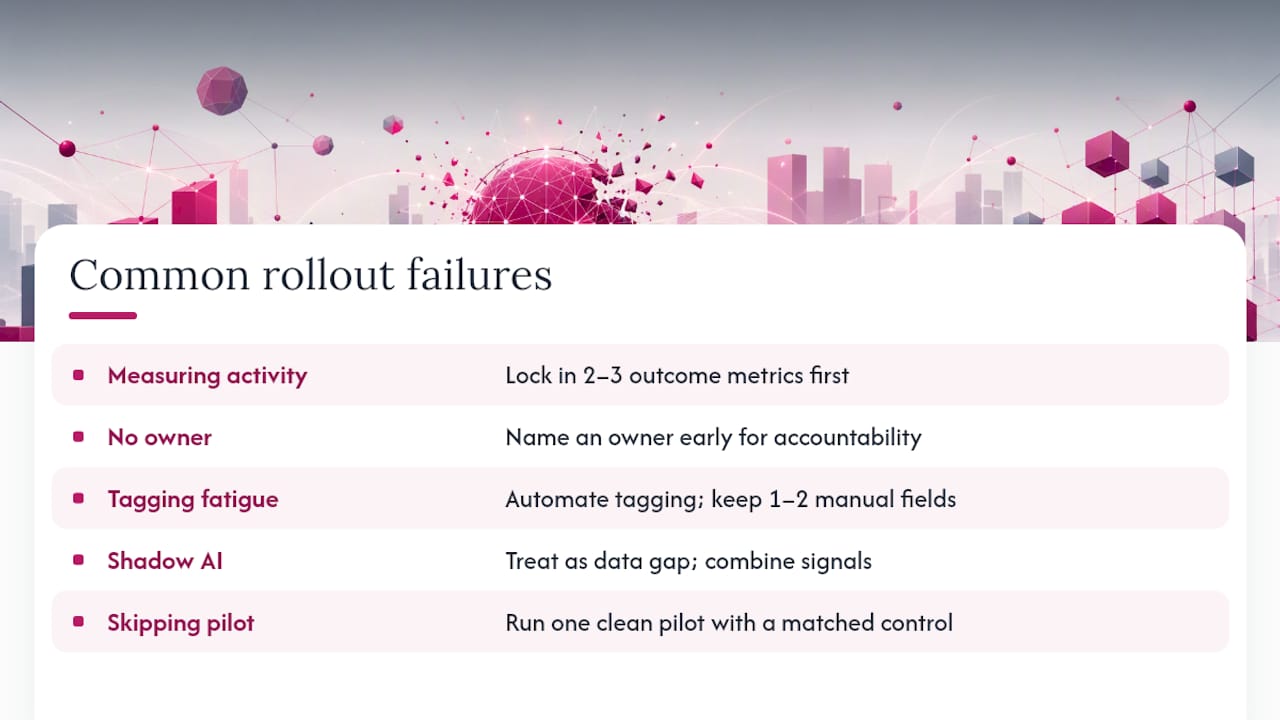
Skipping the pilot. Rolling out full-scale tracking and enablement before validating the model on one workflow means you scale mistakes along with wins. One clean pilot with a matched control saves months of correction later.
TekkrTools Perspective: How We Set Up AI Analytics in Practice
Most AI analytics failures we see aren’t technical. They’re organizational: nobody owns the number, and nobody tagged the request that generated it. Configurato was built around that gap. It runs a rapid inventory across procurement, network, and endpoint signals to surface shadow AI, then instruments tagging at the point of request so spend maps to workflows and outcomes, not just monthly invoices.
Every layer is privacy-first: end-to-end encryption, GDPR compliance, automatic PII stripping on prompts, no browser extensions required. Setup takes about 10 minutes, and there’s a free tier with no credit card needed to start seeing who’s actually using tools like Claude and Codex, and what it’s costing by team.
— TekkrTools
Get to a Working AI Analytics Setup in Days, Not Quarters
Everything in this guide, the inventory, the tagging, the dashboards, the gamified rollout, is exactly what Configurato automates out of the box. Instead of stitching together procurement exports, API logs, and a spreadsheet, you get organization-wide usage tracking, spend broken down by team, and use-case intelligence in one place.
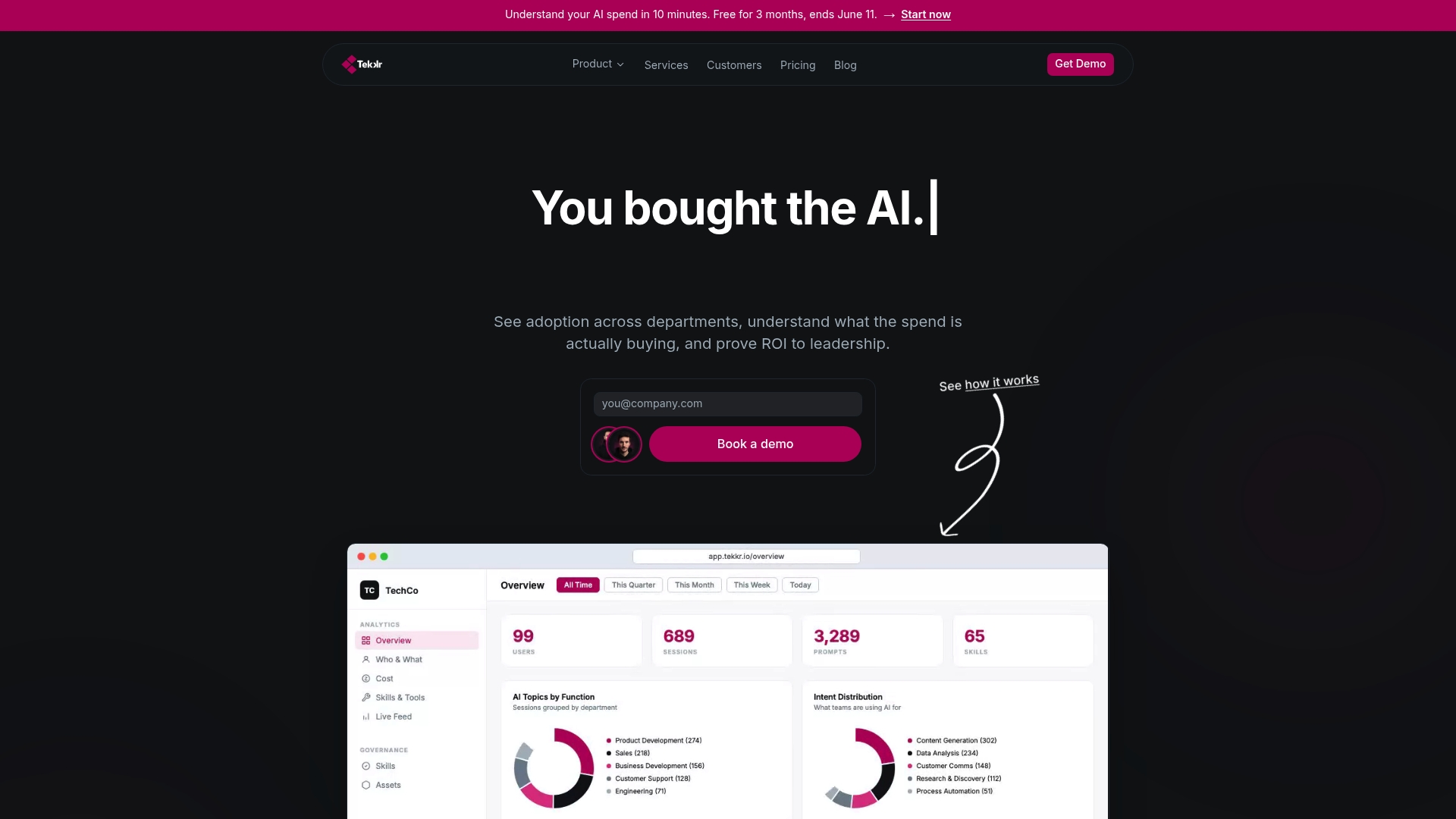
The gamified enablement piece matters as much as the measurement. Configurato pairs adoption tracking with leaderboards and company-wide playbooks, so employees aren’t just monitored, they’re actively coached toward better AI habits. Cost allocation runs granular enough to answer the question every finance leader eventually asks: which team, which workflow, which outcome. And because the architecture is end-to-end encrypted and GDPR-compliant with automatic PII stripping, security and legal don’t become blockers three weeks into rollout.
Setup takes about 10 minutes. Start on the free tier and see your own AI spend breakdown before you commit to anything.
Sources
- New Harness Report Reveals Enterprise AI Spend Has Outgrown the Systems Built to Track It
- 5 AI metrics that actually prove ROI to your board
- Nobody knows where their AI budget is going