
AI workflow integration is the practice of embedding intelligent decision-making directly into existing product processes, replacing rigid if-then logic with systems that handle judgment, context, and ambiguity. Product managers who get this right ship faster, reduce manual review bottlenecks, and build products that improve over time. Those who skip the foundational steps spend six months stuck in demo mode. The difference comes down to three things: clear scoping, human-review loops built early, and a phased rollout that starts with API calls before any custom model training.
What prerequisites are essential to integrate AI into product workflows?
The first step is mapping your existing workflows before touching any AI tooling. Walk each process end to end and mark every decision point where a human currently applies judgment. Those judgment points are your AI integration candidates, not the repetitive data-entry steps you might assume are the obvious targets.
AI integration embeds intelligence into judgment tasks rather than automating rigid repetitive steps. That distinction matters because it changes which workflows you prioritize. A document classification step that requires reading context is a strong candidate. A form submission that follows fixed rules is not.

Data quality is the next gate. Before building anything, audit the data your AI node will consume. Volume, labeling consistency, and recency all affect output quality. Fine-tuning custom models before collecting roughly 10,000 user interactions is one of the most expensive mistakes product teams make. Start with prompted API calls, collect real usage data, then decide whether fine-tuning is warranted.
Your architecture decisions at this stage shape everything downstream. Three integration patterns cover most use cases:
- RAG (Retrieval-Augmented Generation): Pulls relevant context from your knowledge base at inference time. Best for Q&A, search, and document workflows.
- Agent patterns: The AI model calls tools or APIs to complete multistep tasks. Best for orchestration and research workflows.
- Fine-tuning: Trains a base model on your domain data. Reserve this for when API models plateau on your specific task.
Pro Tip: Map your workflows in a shared document with your engineering lead before writing a single line of code. Disagreements about scope surface here, not in sprint reviews.
The team roles you need in place before integration begins include a product manager who owns the use case definition, an engineer who owns the API orchestration layer, and at least one domain expert who can evaluate AI output quality. Skipping the domain expert creates a blind spot that shows up in production.
How do you design and build AI-enhanced workflows step by step?
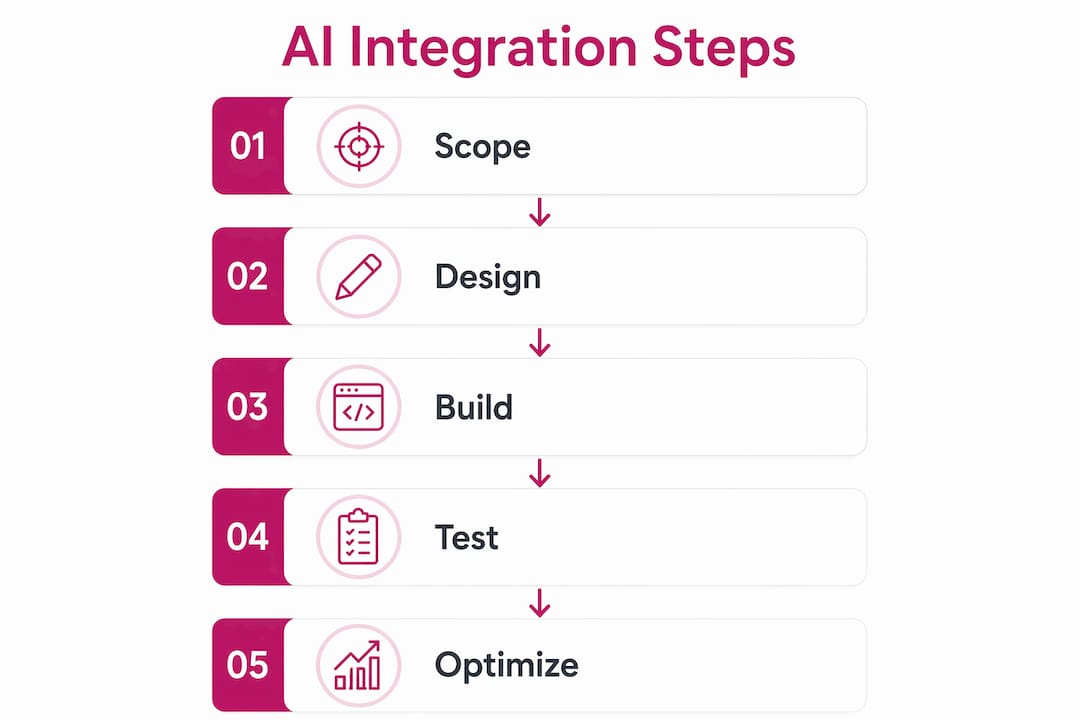
A phased approach prevents the most common failure mode: building too much before validating anything. The seven phases below reflect what successful AI integrations look like in practice.
- Scoping: Define the specific task, the input data, the expected output format, and the success criteria. Write this down. Ambiguity here costs weeks later.
- Mapping: Document the current workflow, identify the AI node’s position, and define the handoff points to and from human reviewers.
- Design: Choose your integration pattern (RAG, agent, or fine-tuning). Design the human-review interface. Decide what happens when the AI call fails.
- Build: Implement the API call, the prompt template, and the output parser. Keep the AI node modular so it can be swapped or updated independently.
- Test: Run parallel tests where human reviewers and the AI process the same inputs. Measure agreement rates. Set a minimum threshold before moving to production.
- Deploy: Release to a small user segment first. Monitor confidence scores and error rates in real time.
- Measure and iterate: Collect feedback, log every input and output, and schedule a review cycle to assess whether the integration is meeting its original success criteria.
The human-in-the-loop design deserves special attention at the build phase. Teams that build human-review loops early ship functional systems within 6–10 weeks. Teams that skip this step often spend six months or more trying to fix quality issues in production. The review loop is not a temporary scaffold. It is the mechanism that generates the labeled data you will eventually use to improve the model.
Structured outputs are non-negotiable for downstream reliability. Using JSON as the output format for AI node results makes error handling predictable and simplifies integration with the rest of your pipeline. Unstructured text outputs create parsing fragility that compounds across every downstream step.
Pro Tip: Decompose large workflows into sub-workflows of three steps or fewer. Smaller units are easier to test, easier to debug, and easier to replace when a better model becomes available.
The parallel run phase is where most teams underinvest. Running the AI and human processes simultaneously on the same inputs gives you a ground-truth comparison before you commit to production. Set a regression gate: if the AI’s agreement rate with human reviewers drops below your threshold on any code change, the deployment is blocked automatically.
What common mistakes occur when integrating AI into workflows?
The most damaging mistake is skipping comprehensive scoping. Without a clear definition of inputs, outputs, and success criteria, teams build toward a moving target. The result is a demo that works in controlled conditions and fails on real user data.
Most teams fail by trying to automate end-to-end without proper human-in-the-loop design. AI features stay stuck in demo phase for months because there is no mechanism to catch and correct errors before they reach users. The fix is not better AI. It is better process design around the AI.
Premature fine-tuning is the second most common and most expensive mistake. Fine-tuning requires substantial labeled data, compute budget, and ongoing maintenance. Starting with a prompted API call and collecting real interaction data first is the correct sequence. Premature fine-tuning is a costly detour that delays production value without improving it.
Over-automation is a subtler trap. Product teams sometimes treat AI integration as an opportunity to remove humans from the loop entirely. This creates brittle systems that fail silently when input distributions shift. The right mental model is augmentation: the AI handles the first pass, a human handles edge cases, and the system learns from both.
Silent performance degradation is the failure mode that hurts most after launch. AI model behavior can shift when the underlying API model is updated, when your input data distribution changes, or when prompt templates interact unexpectedly with new content types. Monitoring dashboards with alerting for confidence score drops catch these regressions before users notice them.
Resilience patterns every AI-enhanced workflow needs:
- Fallback logic: Define what the system does when an AI call fails or returns a low-confidence result. Default to the previous behavior, not an error state.
- Graceful degradation: Build AI features as additive layers so the core product functions normally if the AI component is unavailable.
- Alerting thresholds: Set confidence score floors and error rate ceilings. Alert on breach, not on user complaints.
How do you measure and optimize AI integration over time?
Logging is the foundation of every optimization cycle. Log every AI input, every output, and every confidence score from day one. This data serves three purposes: it lets you audit decisions, it helps you debug regressions, and it builds the labeled dataset you will eventually use for fine-tuning.
The eval loop and regression gate mechanism blocks deployment automatically when model output quality drops below a defined threshold on any code change. This prevents silent degradation and makes quality a gating condition rather than a post-launch discovery.
| Metric | What it measures | Action trigger |
|---|---|---|
| Confidence score distribution | AI certainty on each output | Alert if median drops below threshold |
| Human override rate | How often reviewers reject AI output | Investigate if rate rises above baseline |
| Latency per AI call | Response time for each node | Optimize or cache if latency exceeds SLA |
| User feedback signal | Explicit thumbs up/down or implicit behavior | Feed into next fine-tuning cycle |
User feedback collection should be built into the product interface from launch. Explicit signals (thumbs up/down, correction inputs) and implicit signals (did the user act on the AI output or ignore it?) both inform your next iteration. Tracking AI adoption and usage patterns across your team reveals which features are actually being used and which are being quietly bypassed.
The decision to fine-tune a custom model should be driven by data, not frustration. The right criteria: you have collected sufficient labeled interactions, the API model has plateaued on your specific task, and the cost-per-call justifies the fine-tuning investment. If all three conditions are met, fine-tuning is the correct next step. If not, prompt engineering and RAG improvements will deliver more value per dollar.
Pro Tip: Schedule a monthly review of your AI node’s confidence score distribution. A gradual drift toward lower scores is the earliest warning sign of model degradation, and it is invisible without this habit.
Key Takeaways
Effective AI workflow integration requires scoping and human-review design first, engineering second, with continuous measurement driving every iteration after launch.
| Point | Details |
|---|---|
| Scope before you build | Define inputs, outputs, and success criteria in writing before selecting any AI tooling. |
| Build human review early | Teams with human-in-the-loop design ship in 6–10 weeks; those without often take six months or more. |
| Start with API calls | Collect 10,000 user interactions before considering fine-tuning a custom model. |
| Use structured outputs | JSON output format from AI nodes makes downstream error handling predictable and reliable. |
| Monitor confidence scores | Log every AI output score and alert on drops to catch silent degradation before users do. |
What I’ve learned from watching AI integrations succeed and fail
The teams that ship AI features into production quickly share one habit: they treat the human-review loop as a product feature, not a temporary workaround. They design the reviewer interface with the same care they give the user interface. That investment pays back in labeled data, user trust, and a feedback loop that actually improves the model over time.
The teams that stay stuck in demo phase share a different habit: they try to get the AI right before showing it to anyone. They fine-tune too early, they build end-to-end automation without fallback logic, and they treat any human involvement as a sign of failure. The 80/20 rule in AI integration is real: 80% of the effort belongs in scoping and human-review design, and only 20% in the AI engineering itself. Most teams invert this ratio and wonder why their demos never reach production.
The cultural shift is harder than the technical one. Product managers need to reframe AI as augmentation, not replacement. That framing changes how teams talk about the technology internally, which changes how they design for it, which changes what they actually ship. The cross-team adoption strategy matters as much as the architecture strategy. You cannot separate the two.
— TekkrTools
Tekkr helps you turn AI integration into measurable results
Buying AI tools is the easy part. Knowing whether your teams are actually using them, which workflows are delivering value, and where adoption has stalled is where most organizations lose ground.
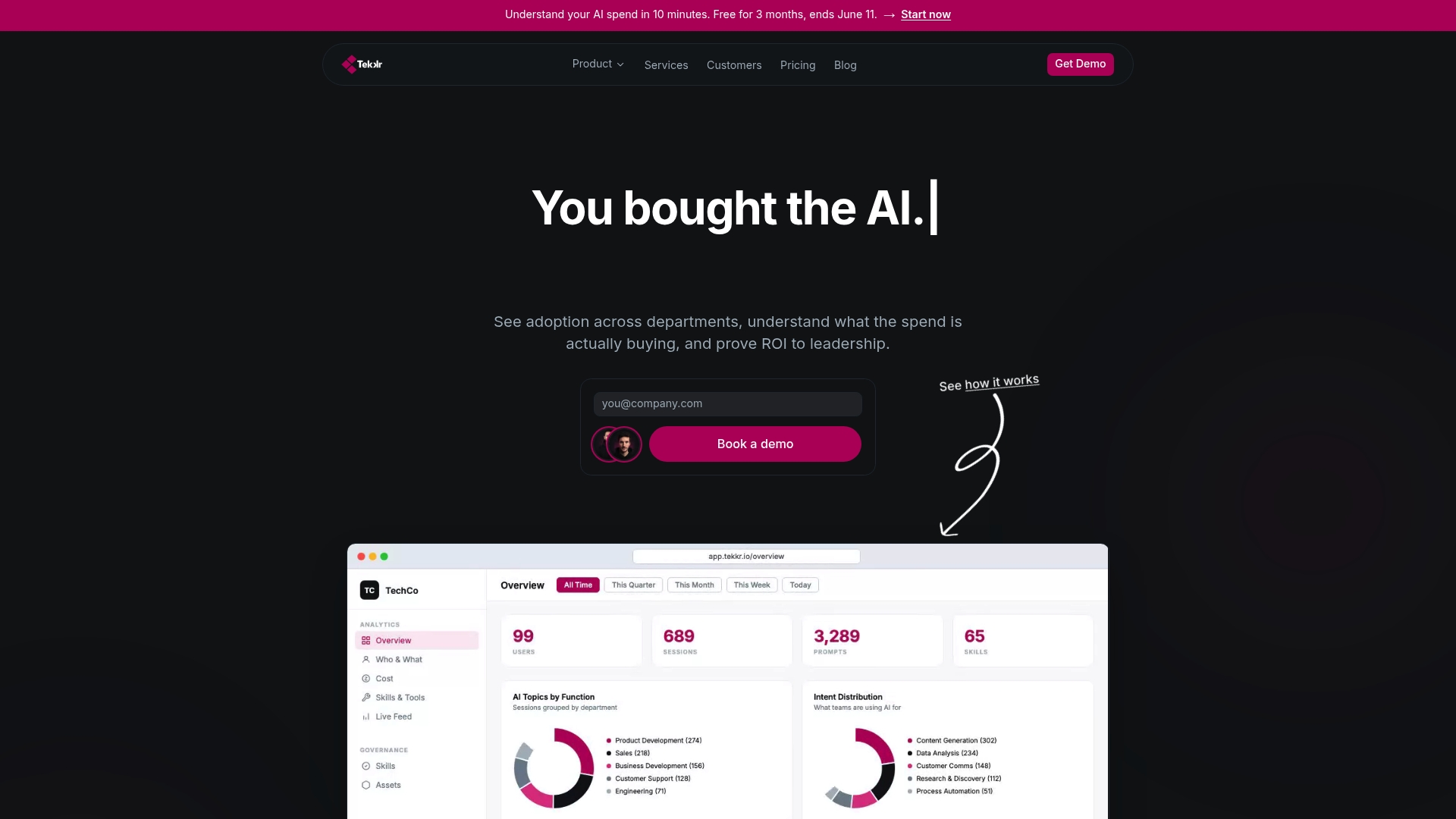
Tekkr’s Configurato platform tracks AI adoption, spend, and return across every team in your organization. It surfaces which tools like Claude and Codex are being used, breaks down costs by department, and drives adoption higher through gamified rollouts and company-wide AI playbooks. If you are working through the AI adoption process and need visibility into what is actually working, Configurato gives you that picture in about 10 minutes. No credit card required, and no browser extensions needed.
FAQ
What is AI workflow integration?
AI workflow integration is the practice of embedding AI-driven decision-making into existing product processes at specific judgment points, rather than replacing entire workflows with automation.
How long does it take to integrate AI into product workflows?
Teams that prioritize scoping and human-review loops typically ship functional AI features within 6–10 weeks. Skipping those steps can extend the timeline to six months or more.
When should a product team fine-tune a custom AI model?
Fine-tuning makes sense after collecting roughly 10,000 user interactions on an API-based feature, when the base model has plateaued on the specific task, and when per-call costs justify the investment.
What is a regression gate in AI workflow design?
A regression gate is an automated check that blocks deployment when AI output quality drops below a defined threshold on any code change, preventing silent performance degradation in production.
How do you measure AI integration success?
Track confidence score distribution, human override rates, latency per AI call, and user feedback signals. A monthly review of these metrics catches degradation early and informs the next iteration cycle.